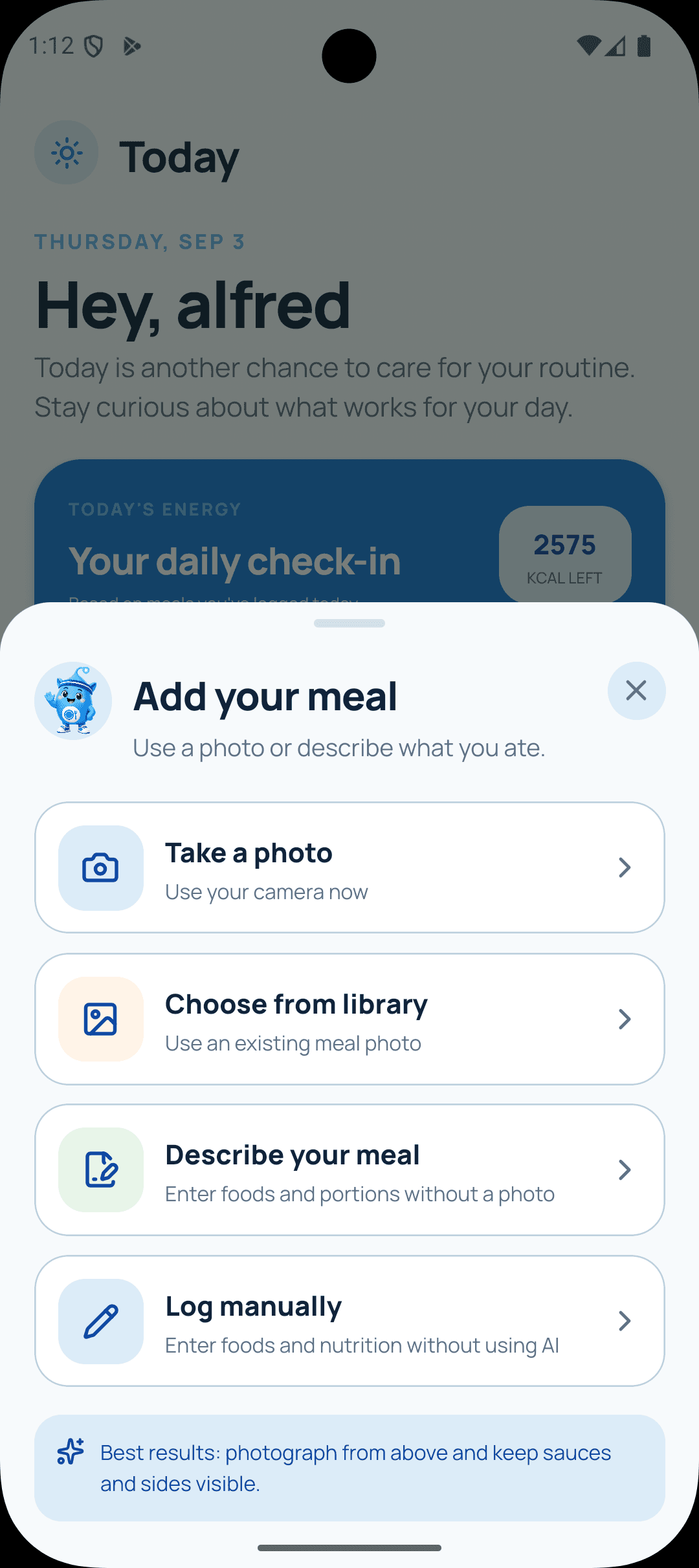
01 · LOG
Start with what is easiest
Take a photo, choose one from your library, describe your meal, or enter the nutrition yourself.
Turn meal photos into editable nutrition estimates, follow your confirmed progress, and ask Coach Cal for practical general-wellness guidance grounded in your saved targets.
 Scan to downloadAvailable now on Google Play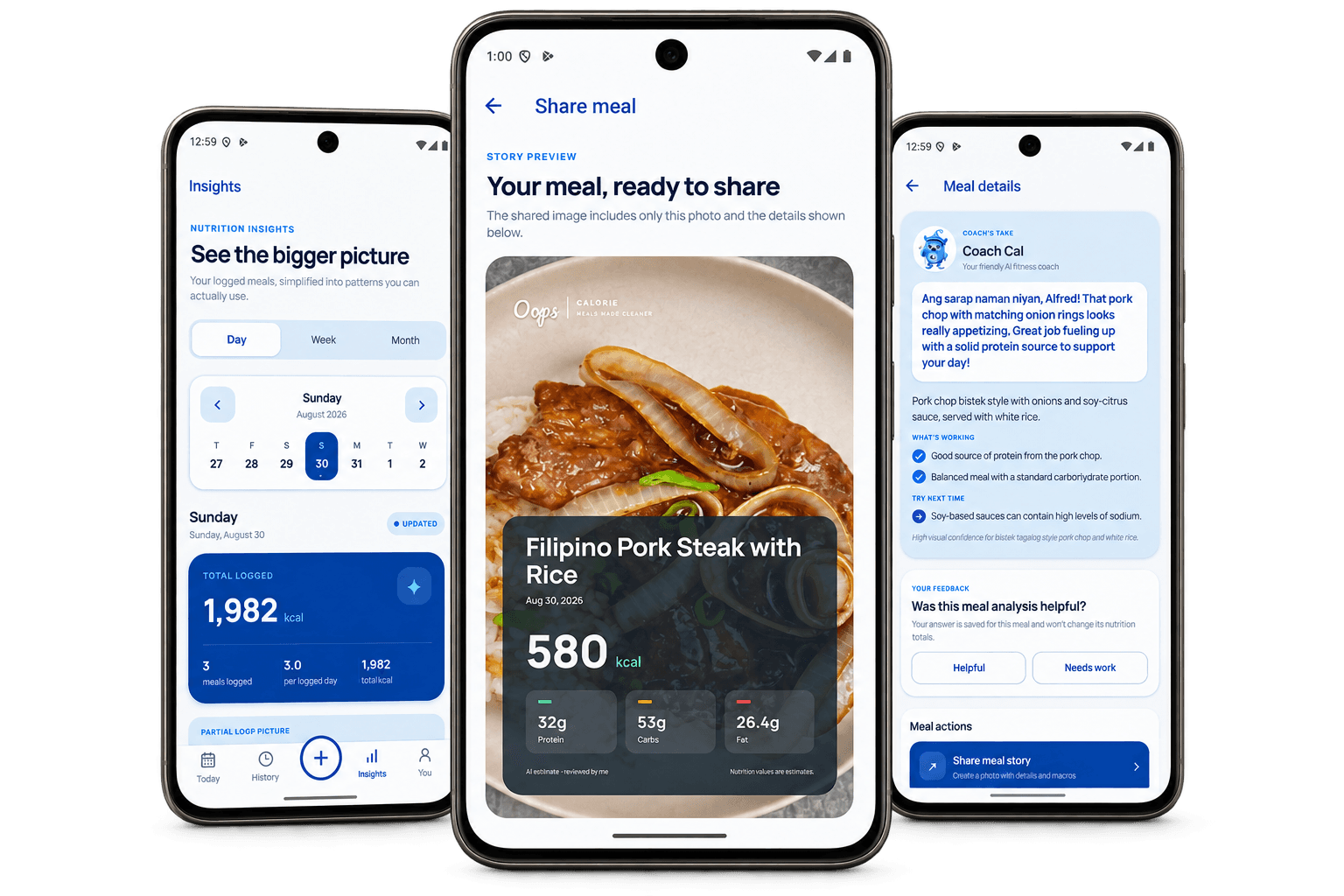
Real screens from the current Android app. Log in the way that suits you, review the context, and return to patterns that stay useful.
Take a photo, choose one from your library, describe your meal, or enter the nutrition yourself.
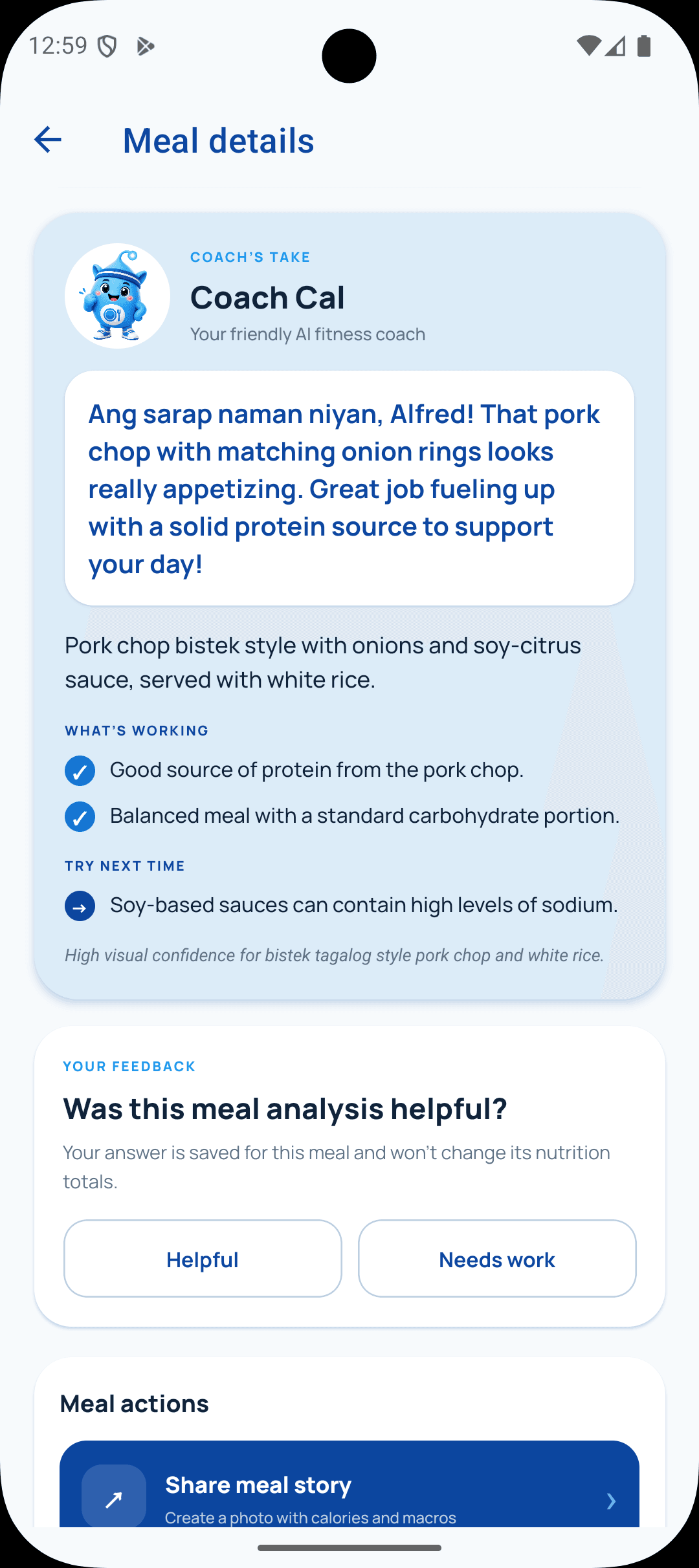
Coach Cal explains what may be working and what you could try next, while keeping estimates honest.
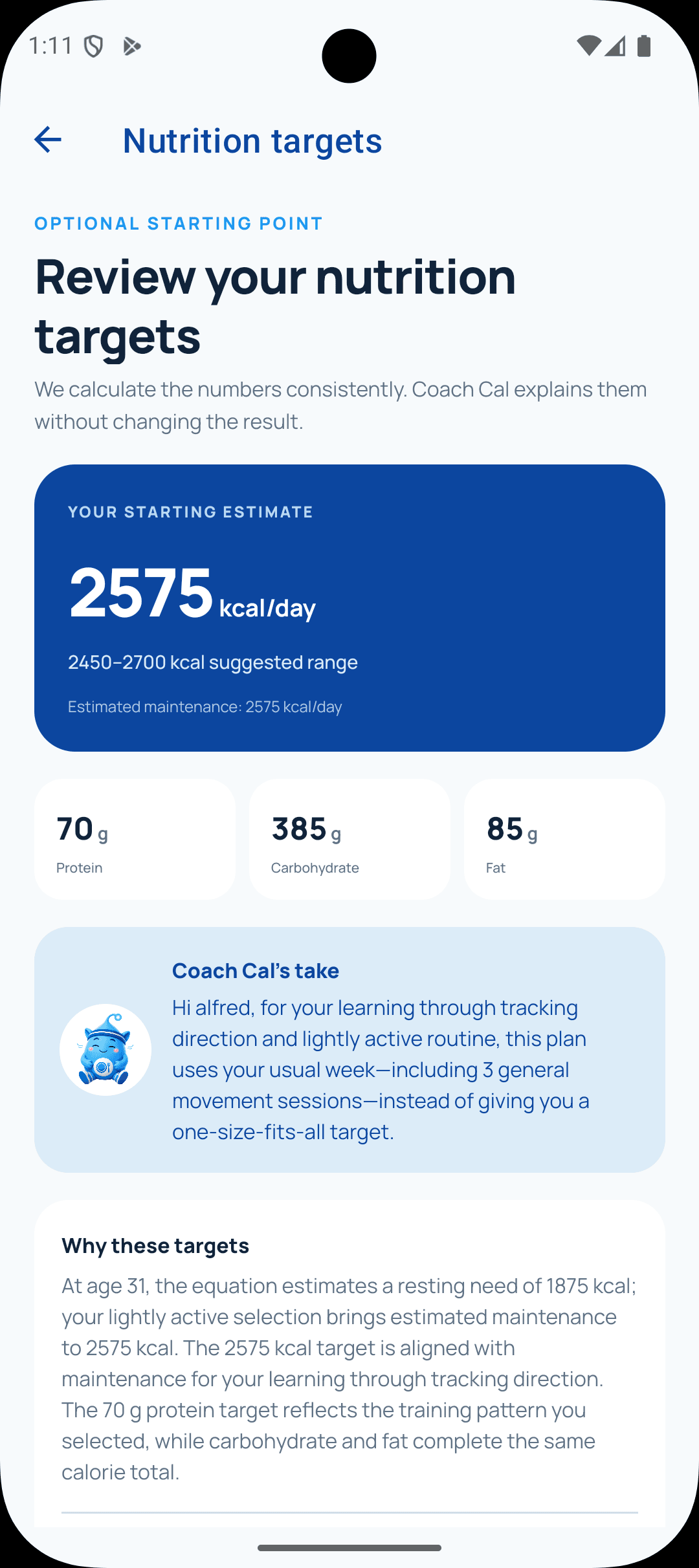
Review a consistent starting estimate and the personal details used to calculate it.
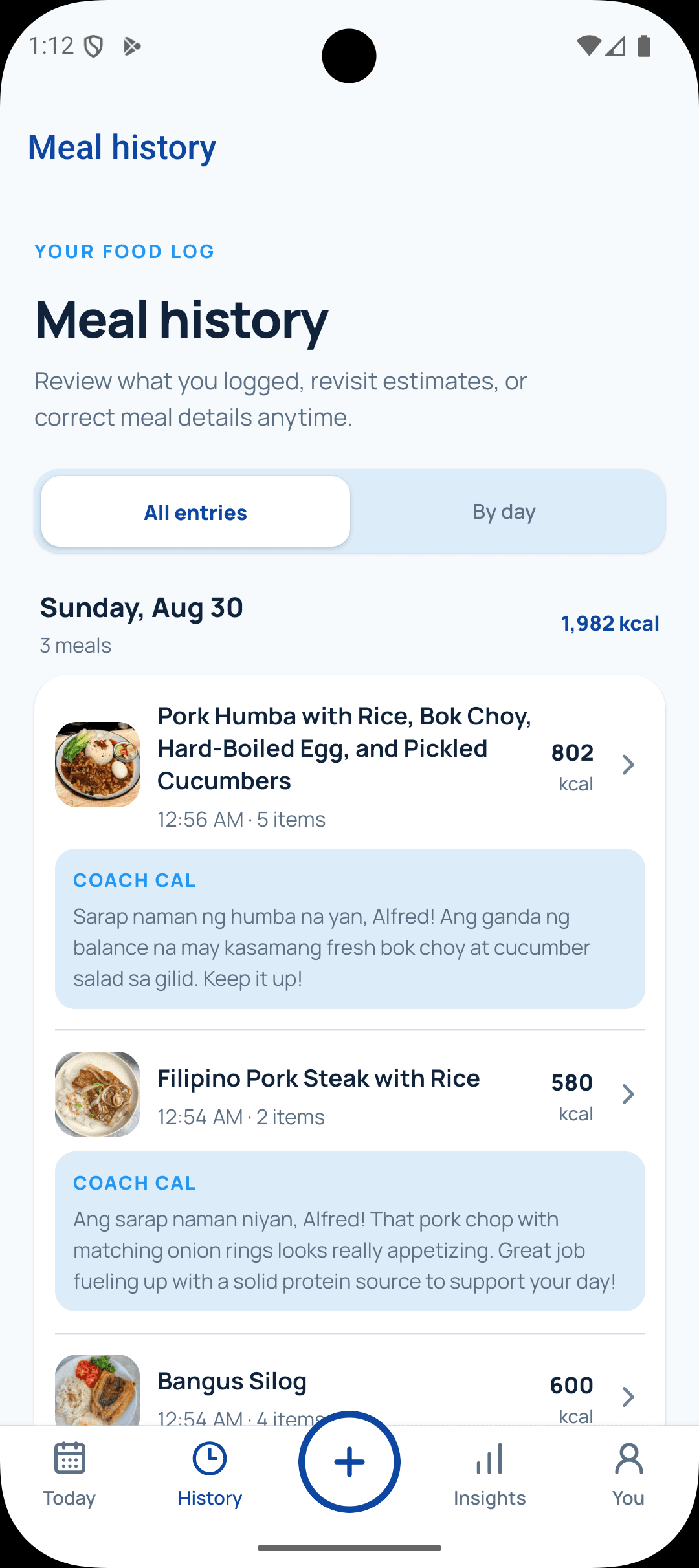
Return to previous meals, revisit estimates, and keep your record useful as details change.
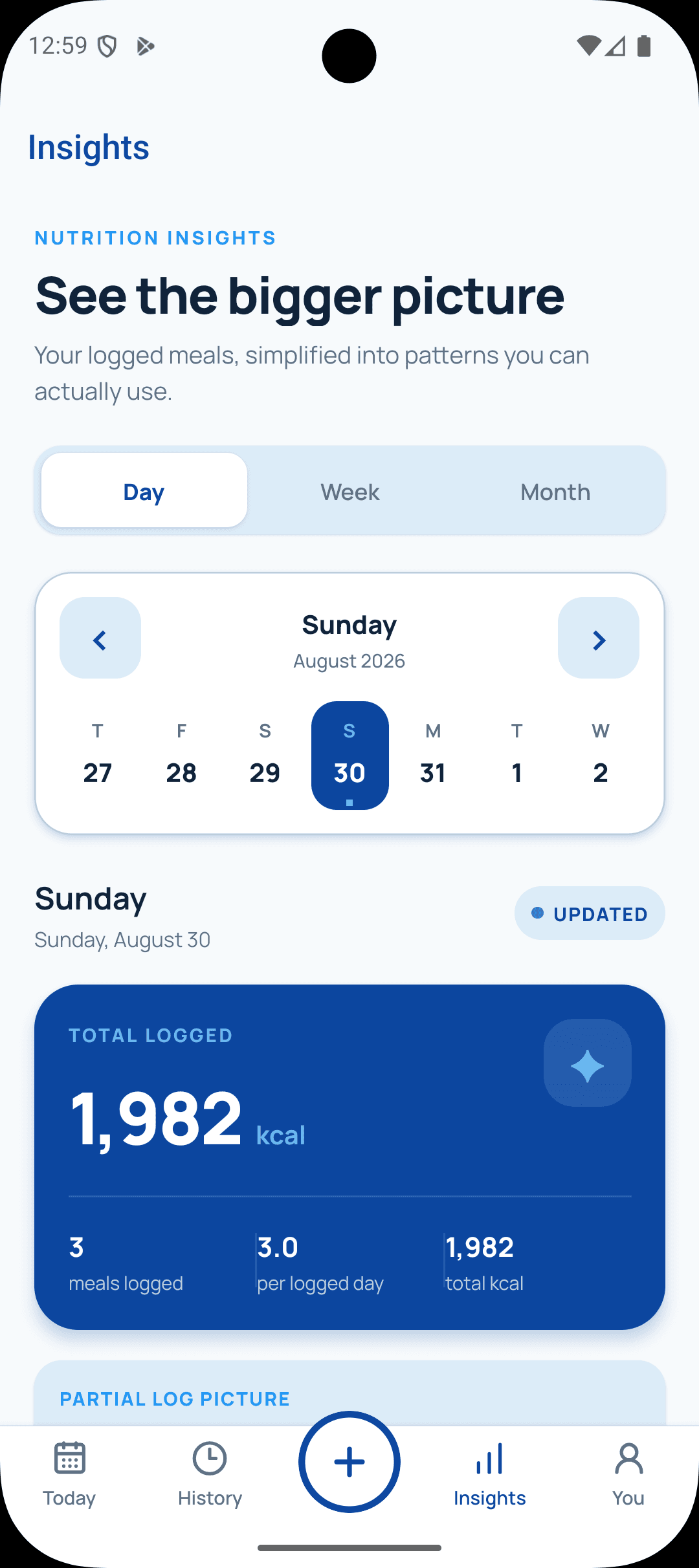
Move between daily, weekly, and monthly views to understand the patterns behind what you log.
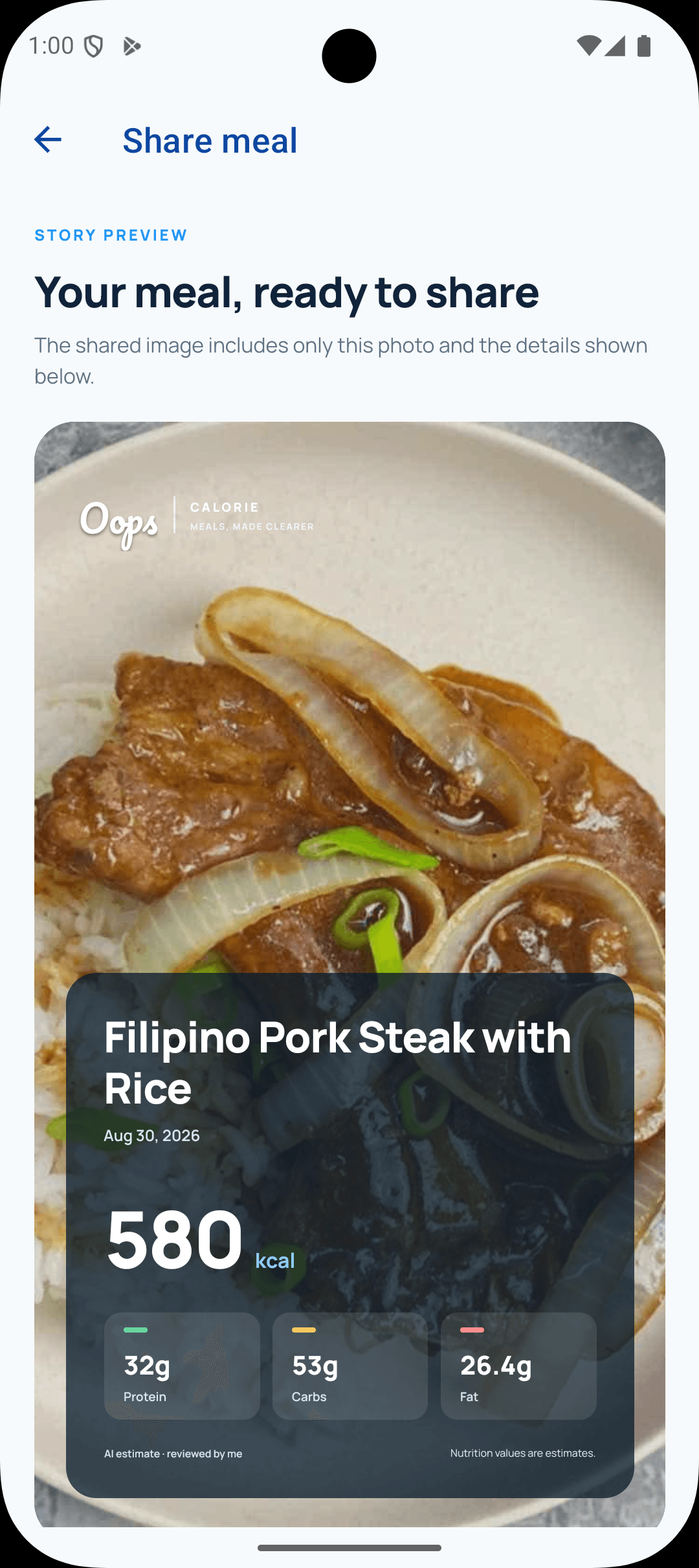
Create a clear meal story with the photo and nutrition details you reviewed.
Take a photo or choose one from your library. You can also describe a meal without a photo.
Check the foods, portions, calories, and macros. Edit anything before it counts toward your day.
Turn your meal history into clear daily, weekly, and monthly insights about your progress and eating patterns.
Food photos don’t tell the whole story. Oops Calorie lets you add details, shows uncertainty, and asks you to confirm the result before it changes your totals.
Practical guides, product updates, and honest conversations about food, habits, and everyday nutrition.

Meet Feed, the meal-sharing feature in Oops Calorie. Share everyday meals by choice, find inspiration, and help build a kind, supportive community.
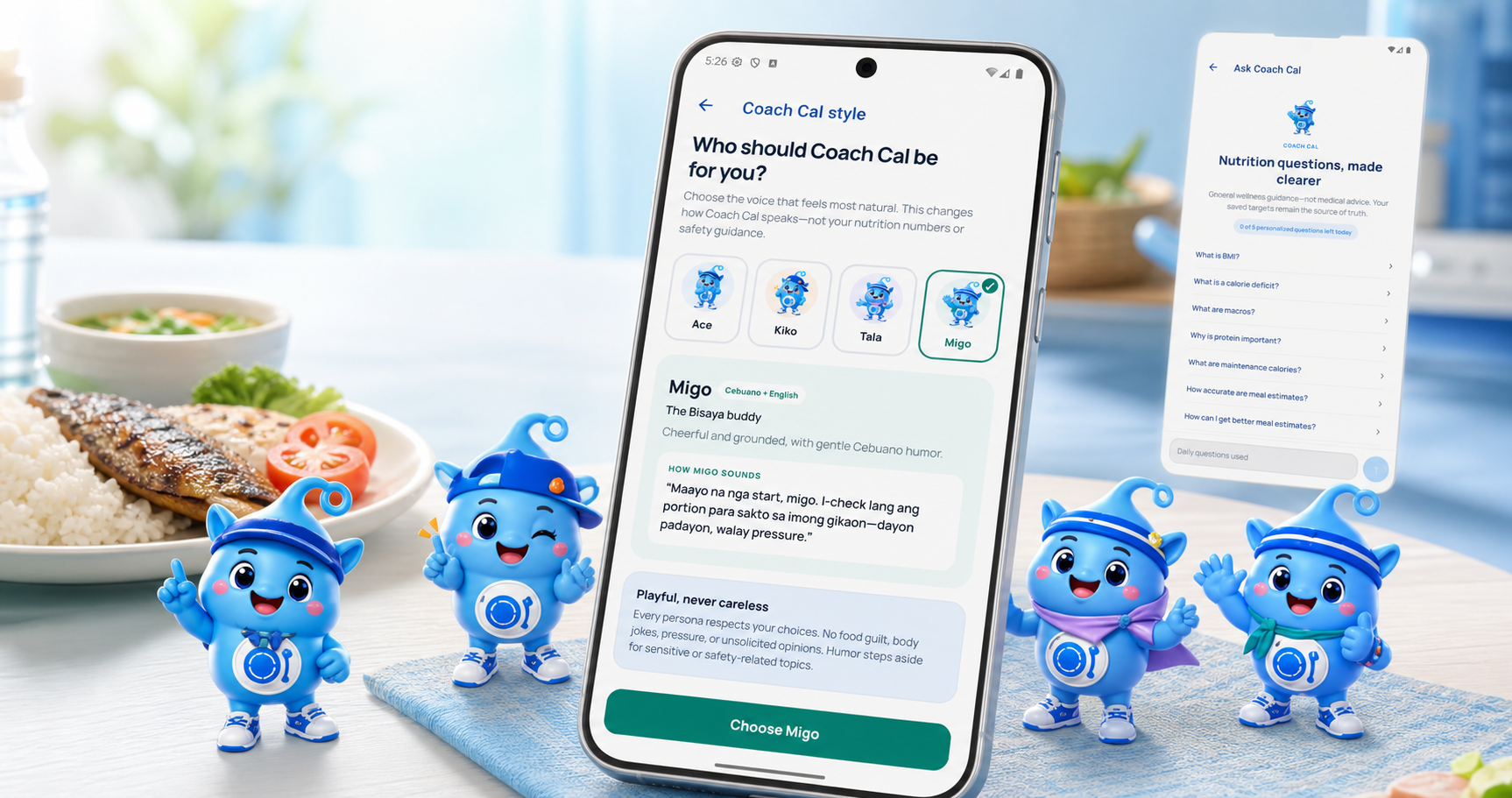
Choose a Coach Cal voice that feels natural—from focused English to Taglish or Cebuano-English—then explore nutrition topics and personalized guidance grounded in your saved plan.
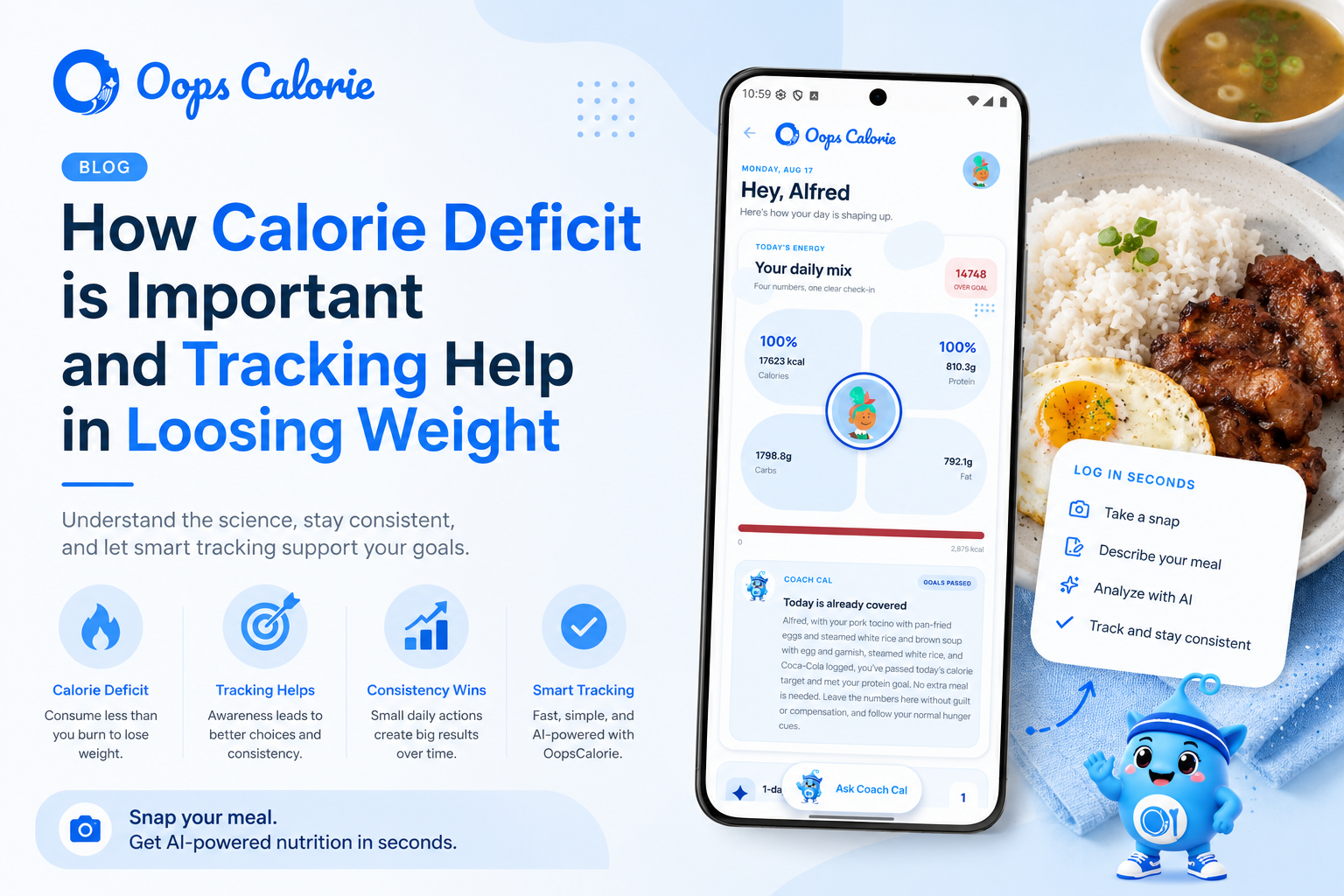
Learn how a calorie deficit supports weight loss, why tracking your food helps with consistency, and how OopsCalorie makes daily calorie tracking faster with AI.
 NOW ON GOOGLE PLAY
Download Oops Calorie on Android, or scan the QR code with your phone.